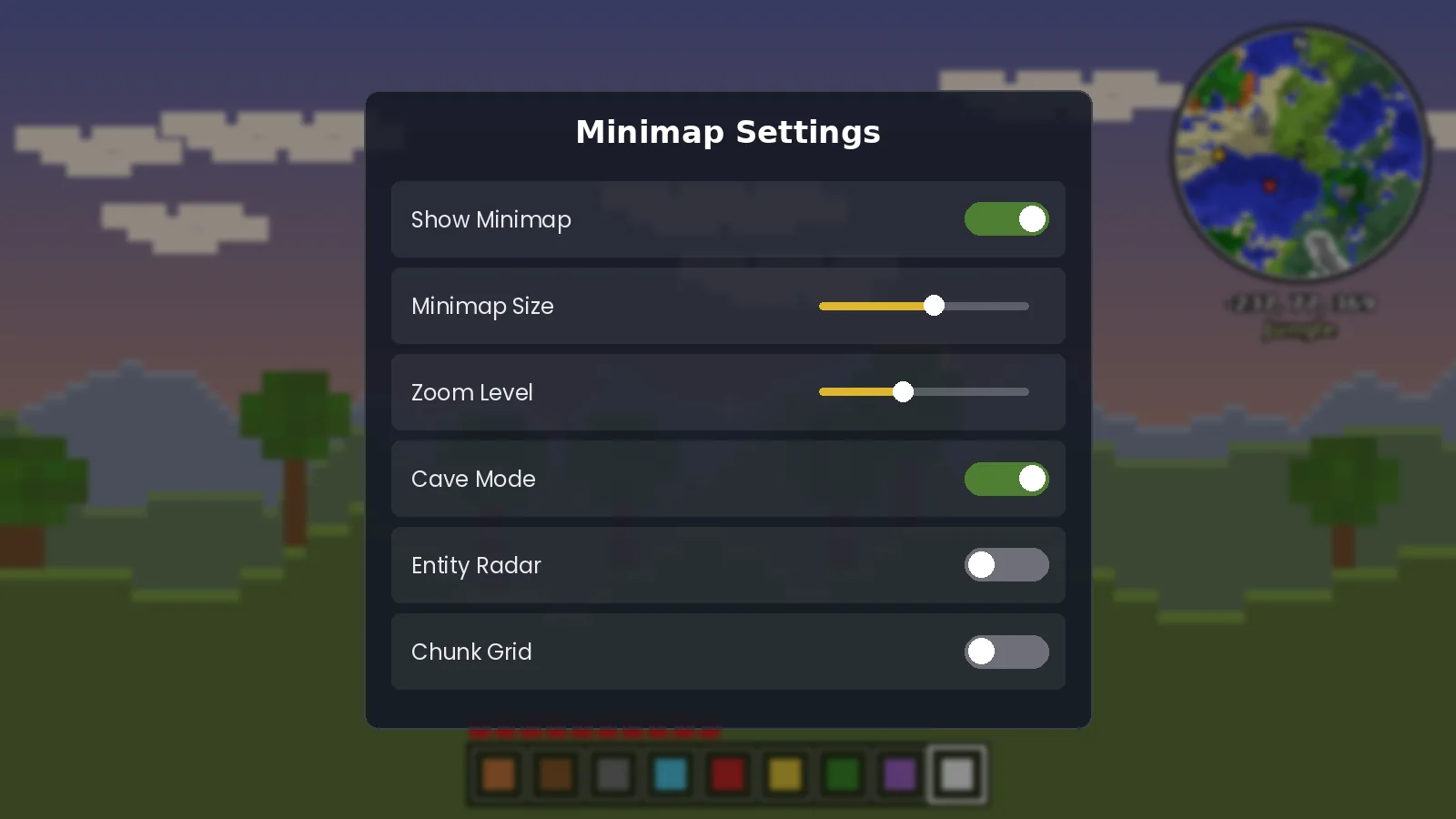
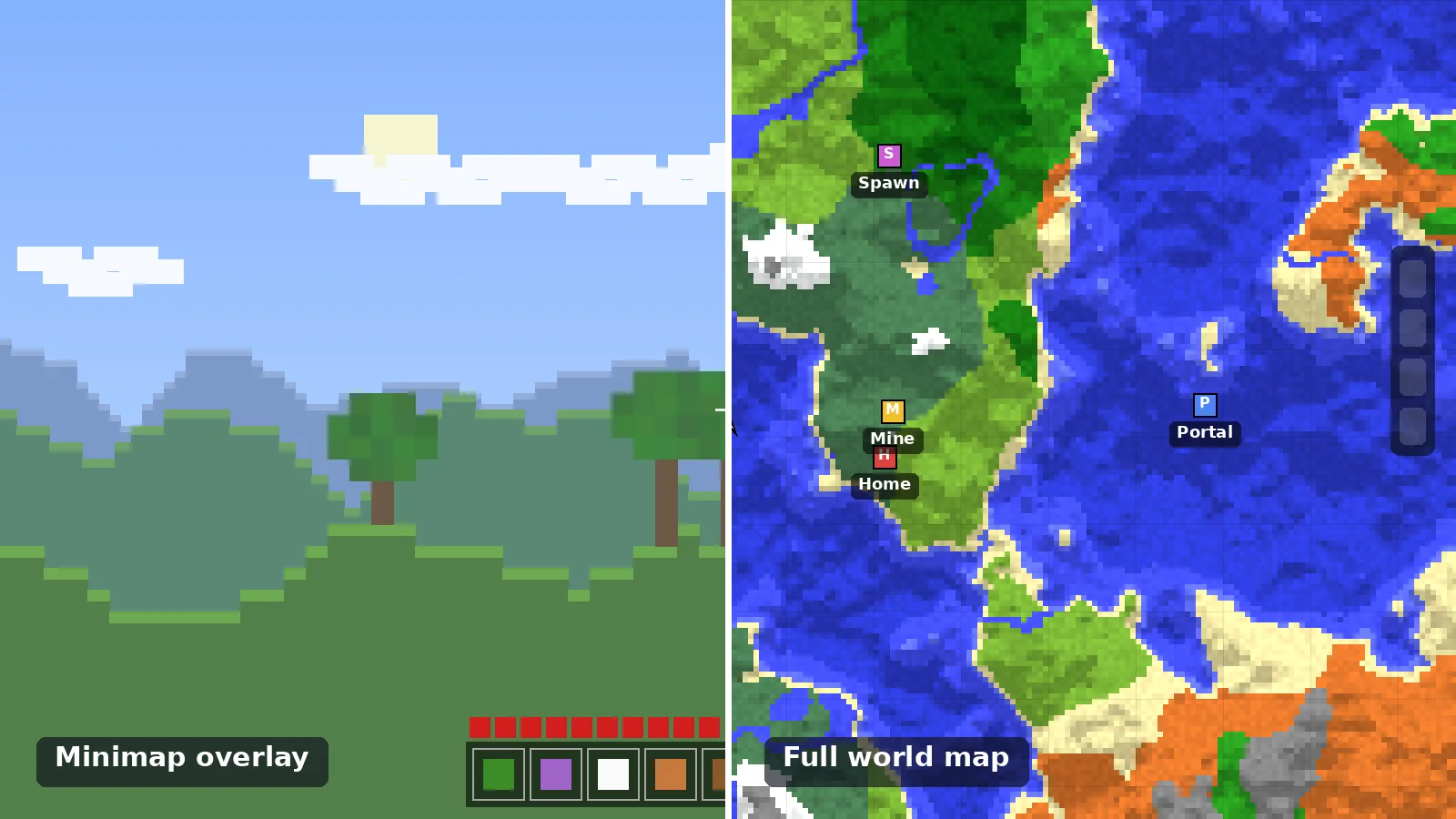
The settings menu, with the options we recommend changing first.
The best Minimap Mod settings for smooth FPS and a readable map: size, zoom, shape, radar filters and update rate, tested on low and high-end PCs.
Start With Size and Zoom
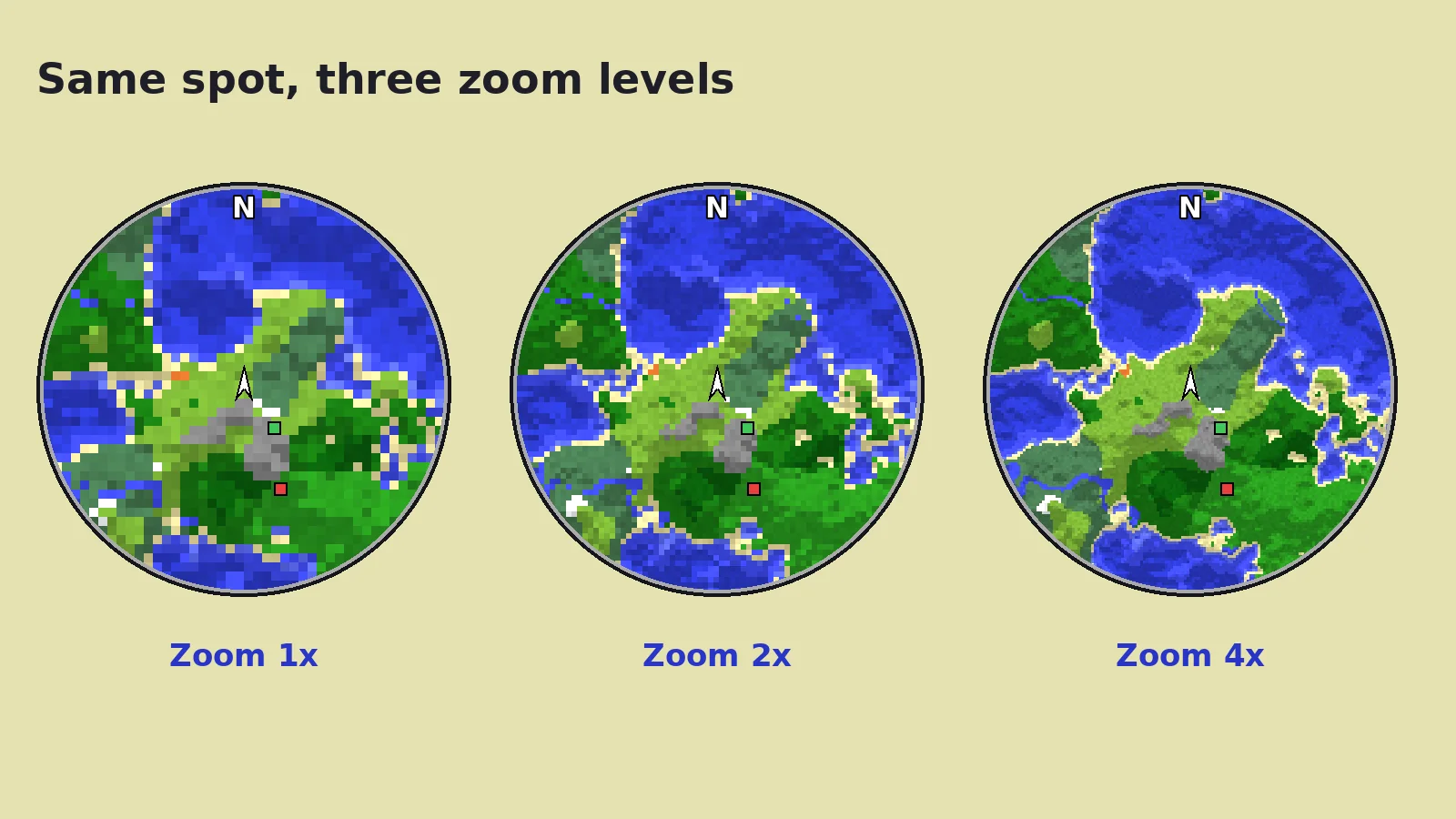
A minimap that is too large blocks your view; too small and it is unreadable. On a 1080p screen, a size around the middle of the slider with 2x zoom works for most players. On 1440p and 4K, raise the size one step.
Settings for Low-End PCs
Lower the chunk update frequency.
Turn off the entity radar or limit it to hostile mobs.
Disable block transparency and slime chunk overlays.
Use a smaller minimap size.
Combined with Sodium on Fabric, these changes keep laptops with integrated graphics smooth.
Zoom changes how much ground you see. 2x is the best balance for most players.
Settings for Clarity
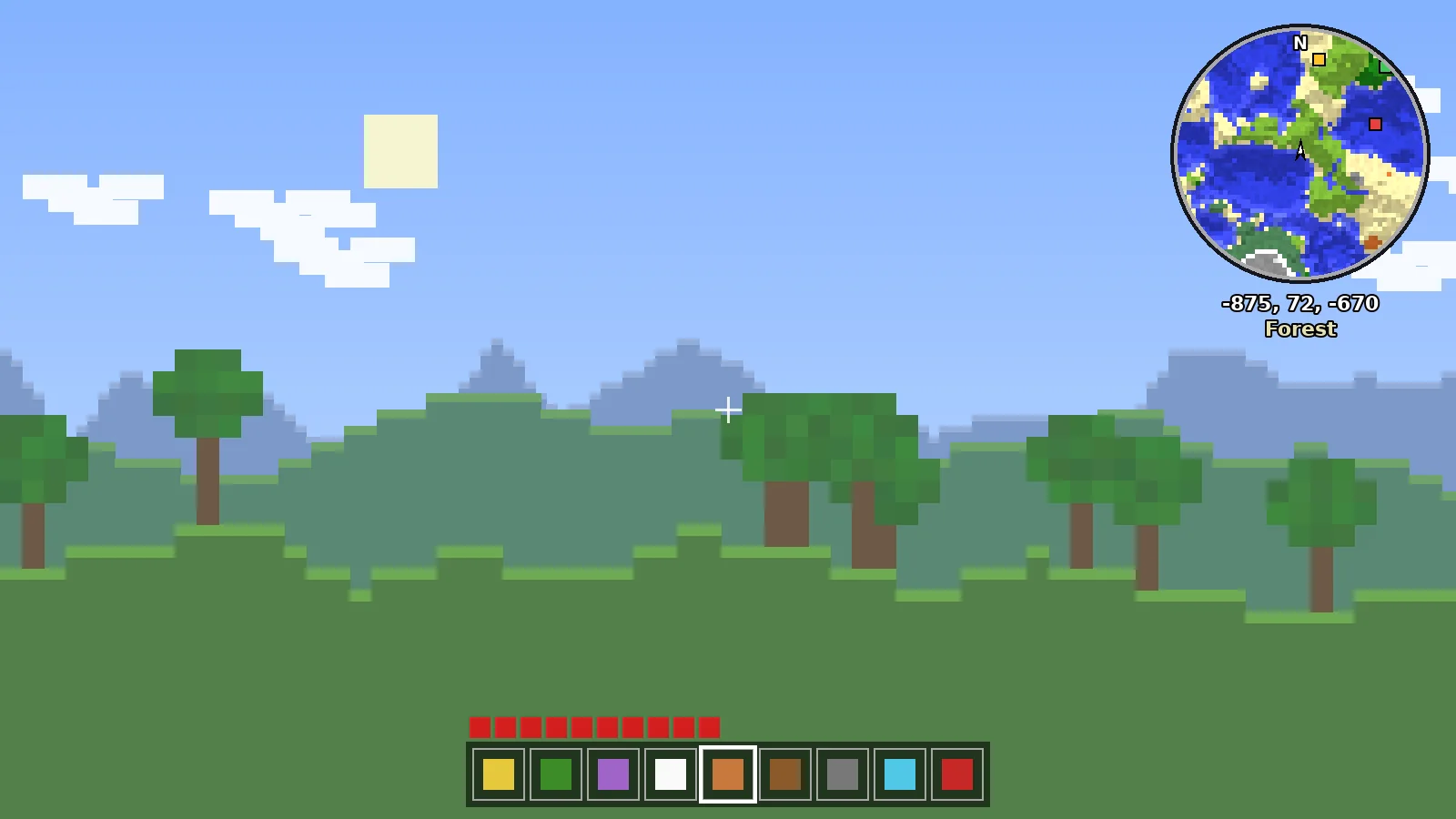
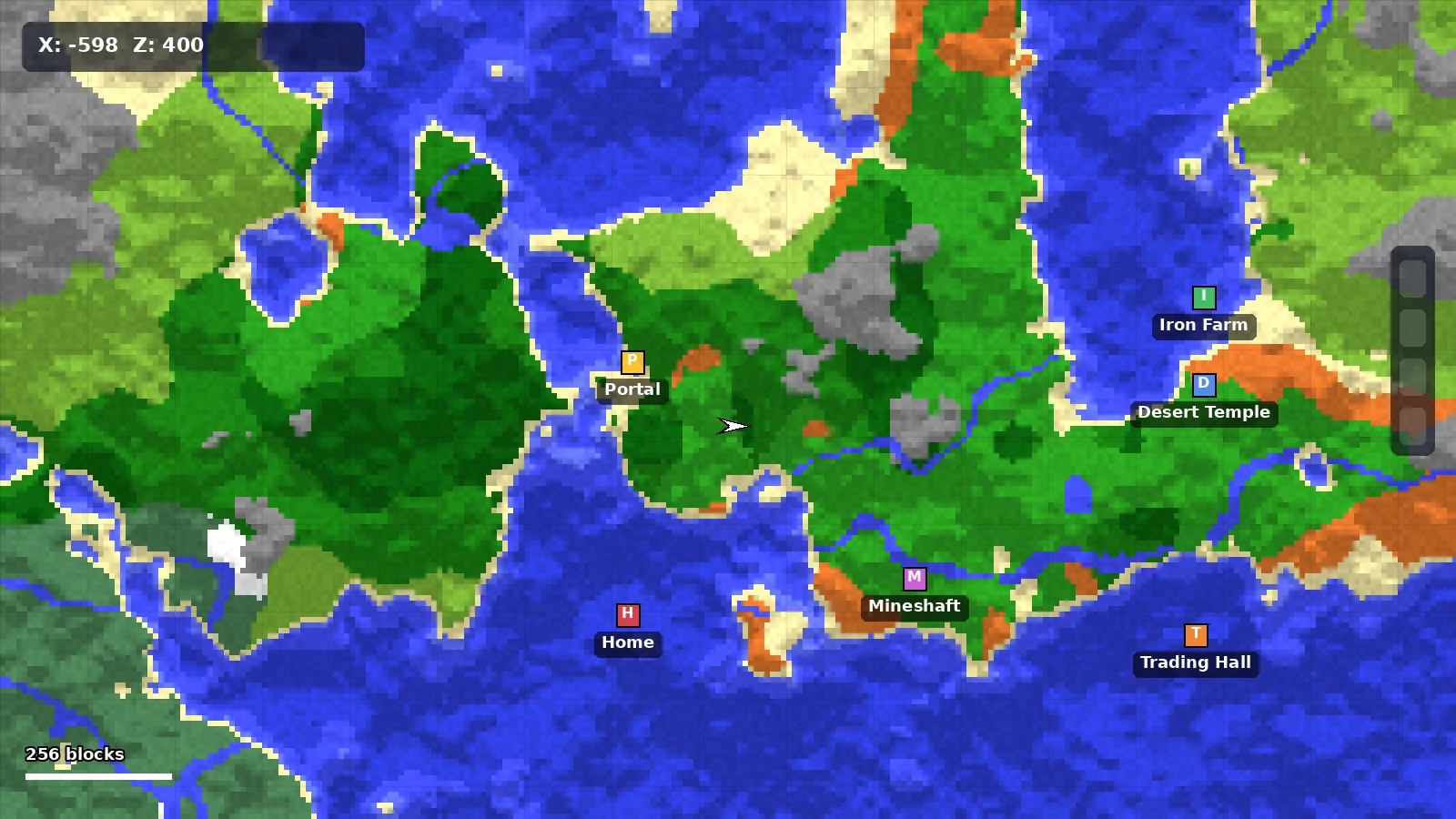
Enable coordinates and biome name under the map.
Lock the map to north if rotation feels disorienting.
Use a square shape for recordings and streams.
Turn on the chunk grid only when building farms.
What to Leave Alone
Terrain slope shading and the default block colors are tuned well. Changing them rarely helps readability. Leave the cave mode depth at default until you know what you want from it.
Our Recommended Preset
Setting
Value
Size
Medium
Zoom
2x
Shape
Round (square for video)
Entity radar
Hostile mobs only
Cave mode
Auto
Coordinates
On
Ready to Explore Smarter?
Download the official build for your loader in under a minute.
Lead reviewer at Minimap Mod. Alex has played modded Minecraft for twelve years, maintains two public modpacks and tests every build on Windows, macOS and Linux before we recommend it. Read the full guide or browse the FAQ.