Complete Guide to Minimap Waypoints
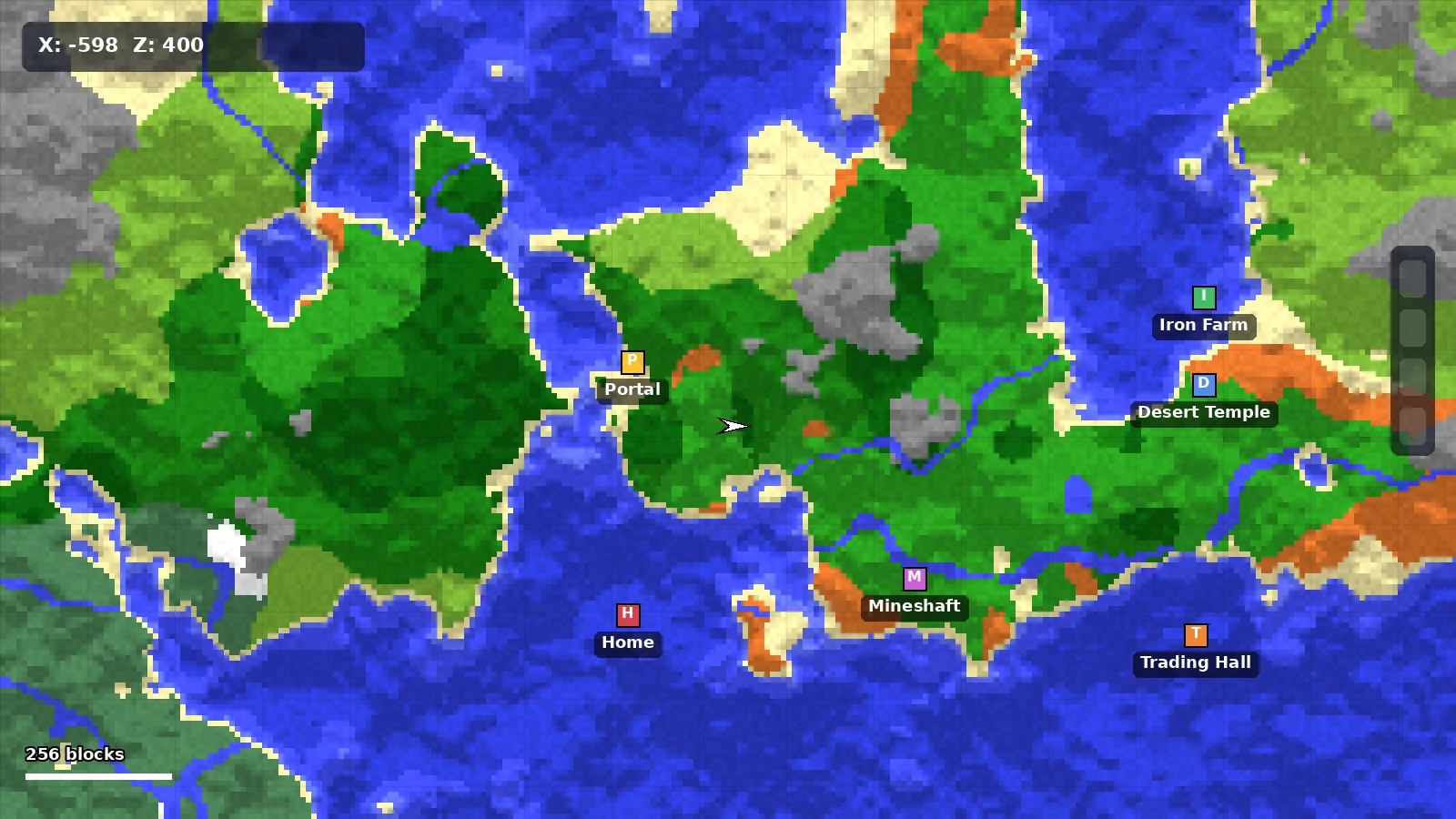
Learn how to create, organize, share and back up waypoints in Minimap Mod, with a simple color system that keeps your map readable.
What Waypoints Are
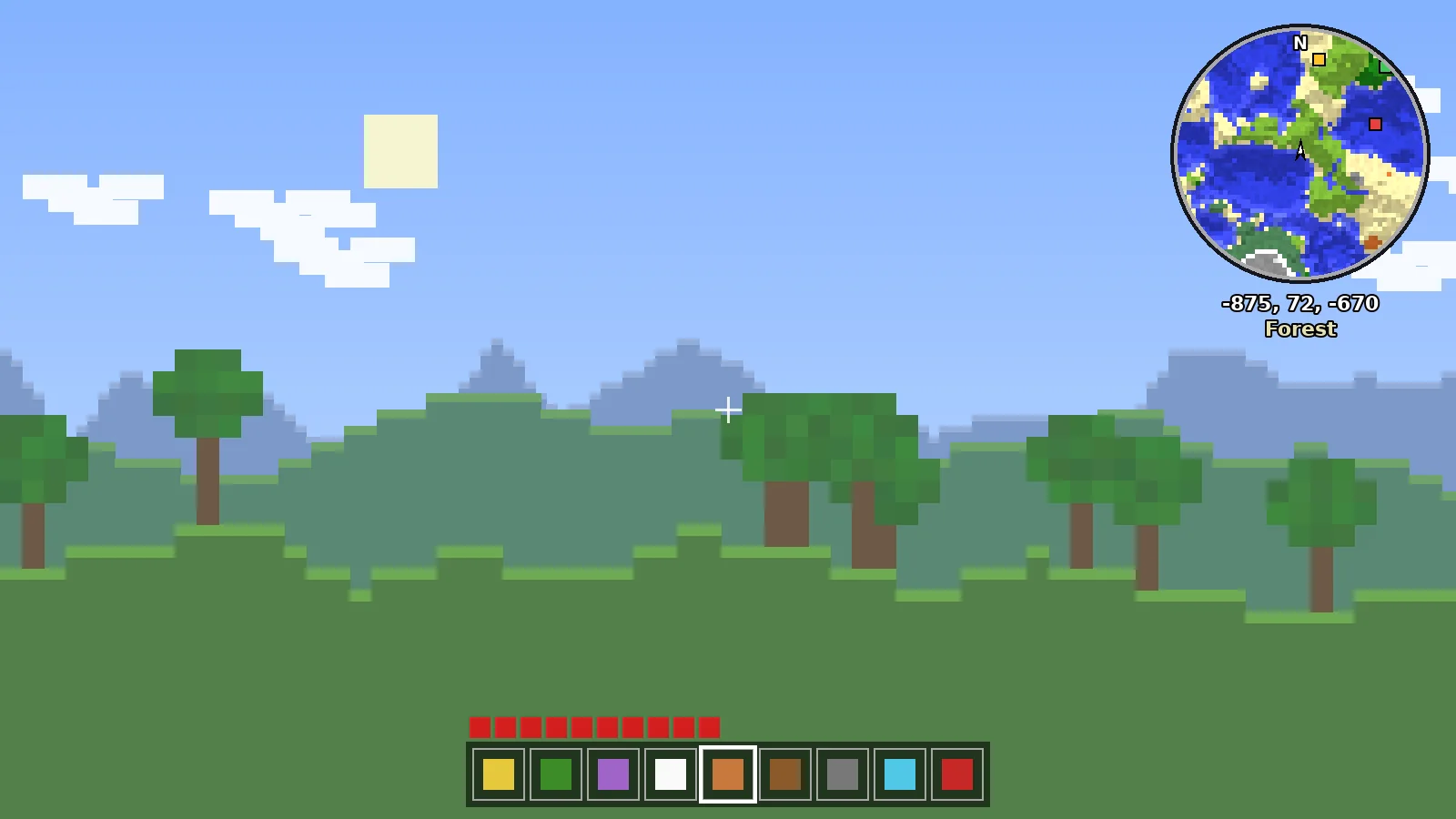
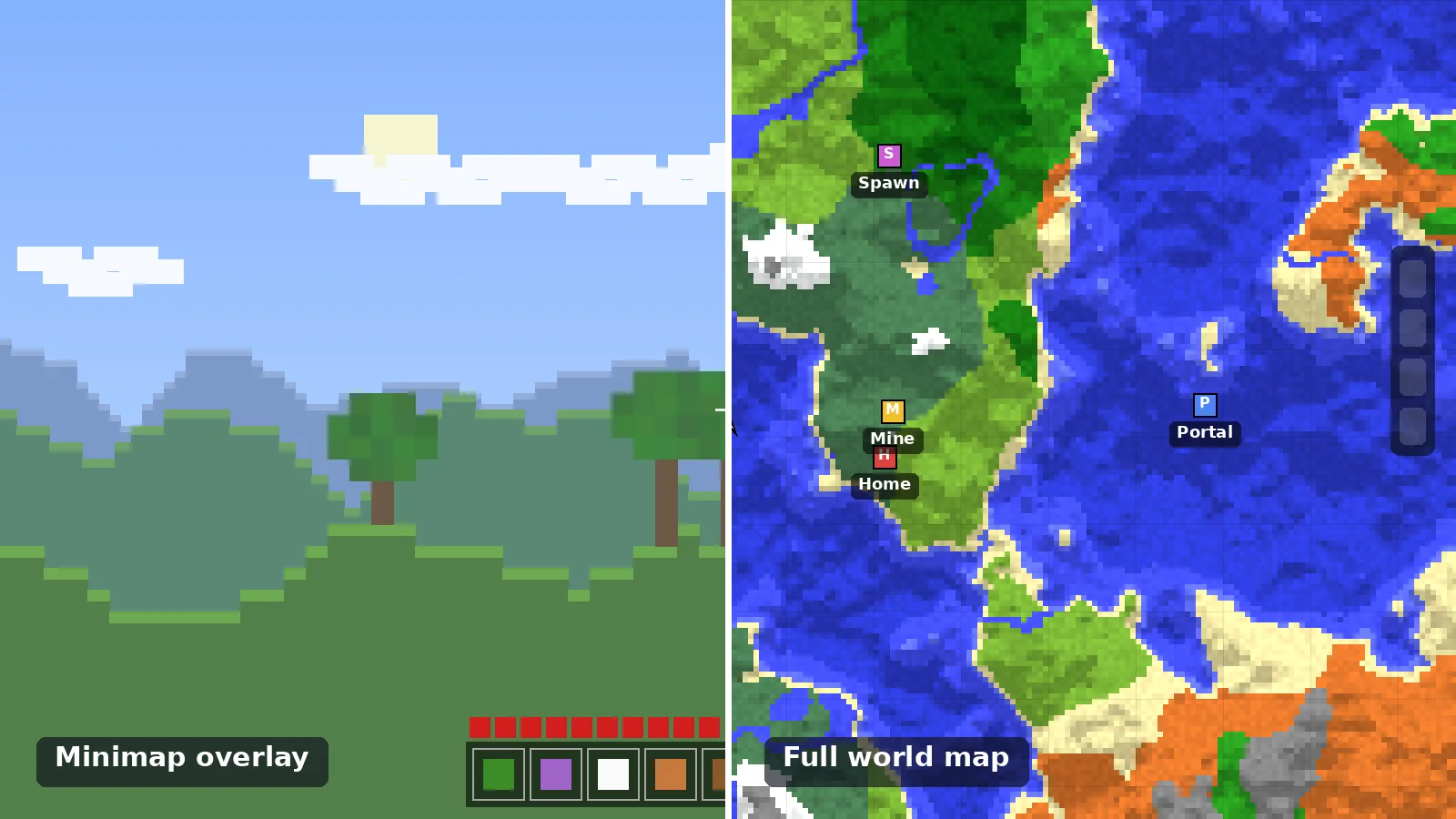
Waypoints are saved locations that appear as markers on the minimap, on the world map and as beams or labels in the game world. Each one stores coordinates, a name, a one-letter initial and a color.
Creating Your First Waypoint
- Stand where you want the marker.
- Press the new-waypoint key (default B).
- Enter a name, an initial and pick a color.
- Confirm. The marker appears instantly on the map.
You can also create waypoints from the world map by right-clicking any explored spot.
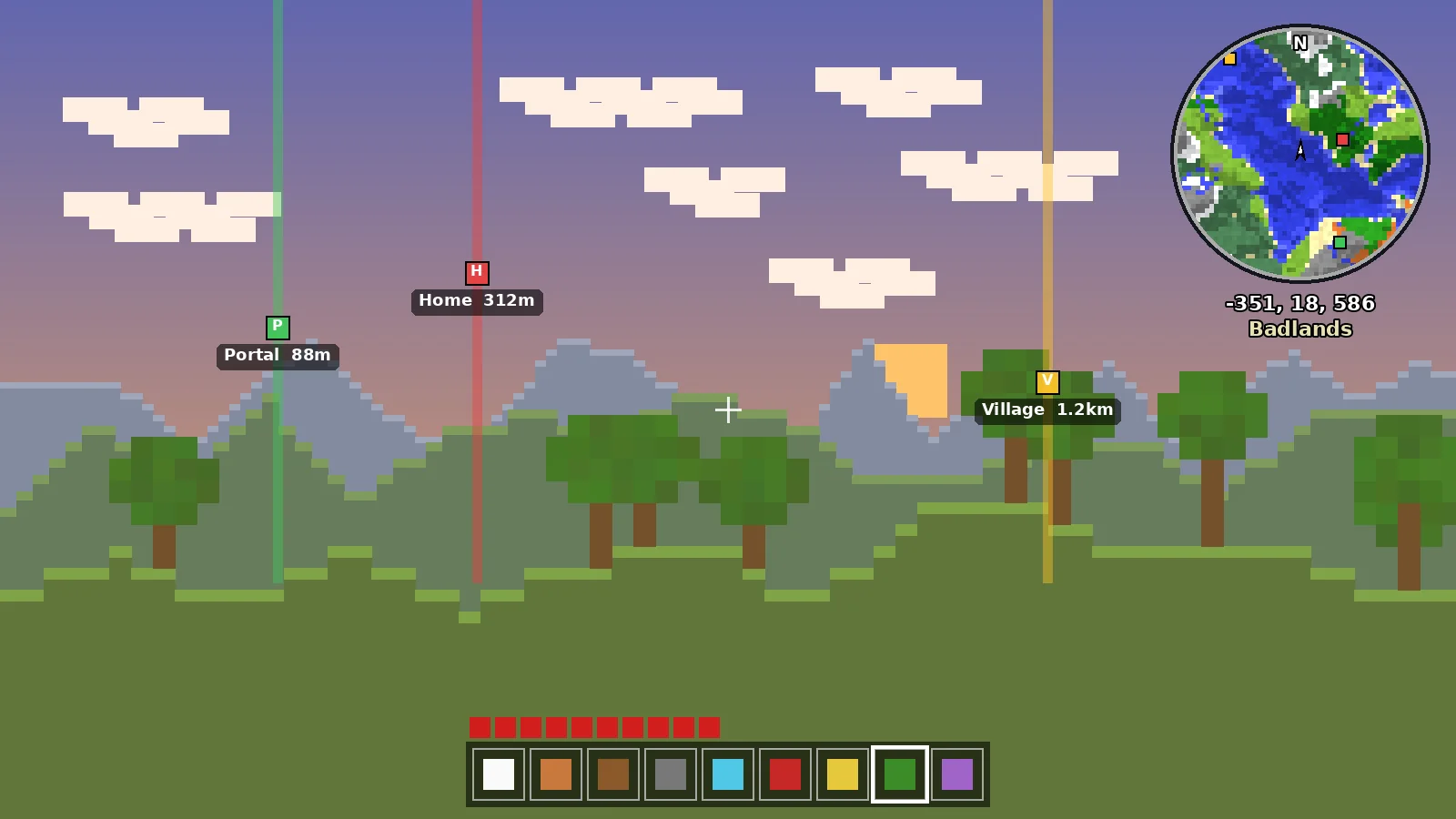
A Color System That Scales
- Blue for bases and storage.
- Green for farms and villages.
- Gold for portals and travel hubs.
- Orange for resources and structures to revisit.
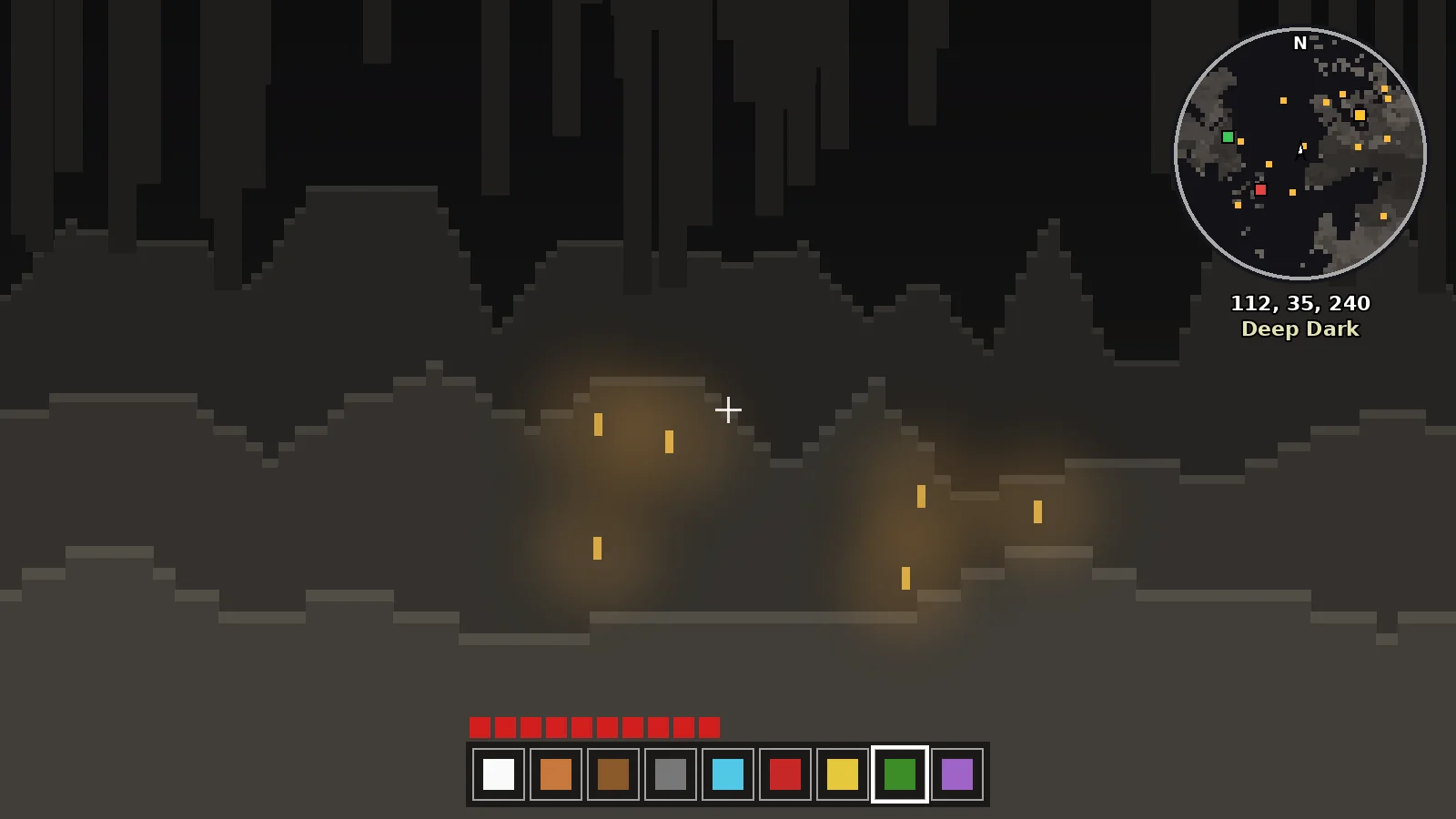
- Red for danger, like unlit caves.
Sticking to one system means you can read the map at a glance, even with fifty markers.
Sets, Sharing and Death Points
Waypoint sets let you group markers and switch between them. Sharing sends a clickable waypoint in chat so friends can add it. When you die, a temporary death waypoint helps you get back to your items.
Backing Up Your Waypoints
Waypoints are stored in the XaeroWaypoints folder inside your Minecraft directory, sorted per world and server. Copy it along with your saves. Remember that joining a server by a different address creates a new waypoint folder, which is why markers can seem to vanish.
Ready to Explore Smarter?
Download the official build for your loader in under a minute.