Minimap Cave Mode Explained
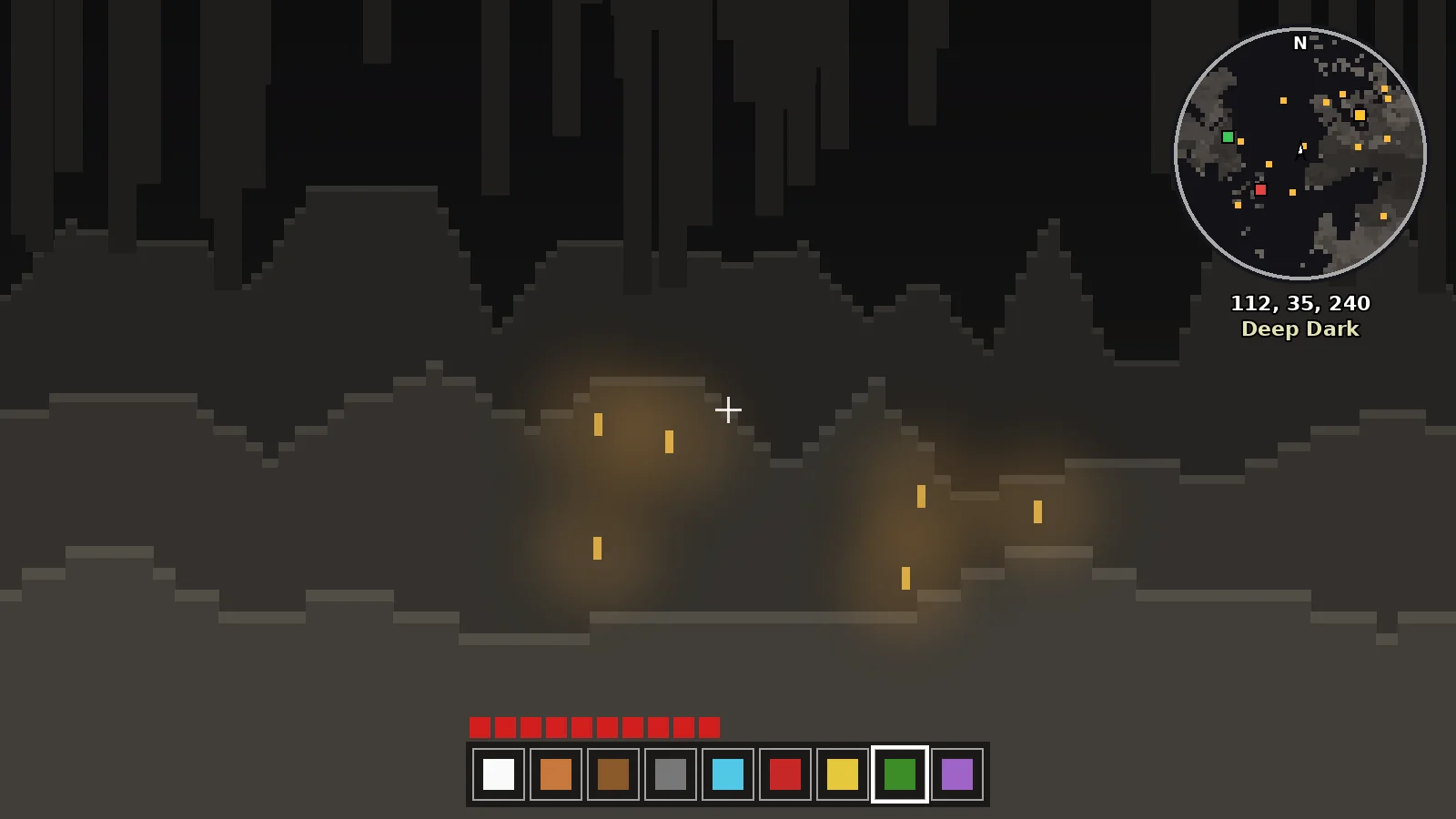
How Minimap Mod cave mode works, when it turns on, how to configure it and why some servers disable it. Tips for safer, faster mining.
What Cave Mode Shows
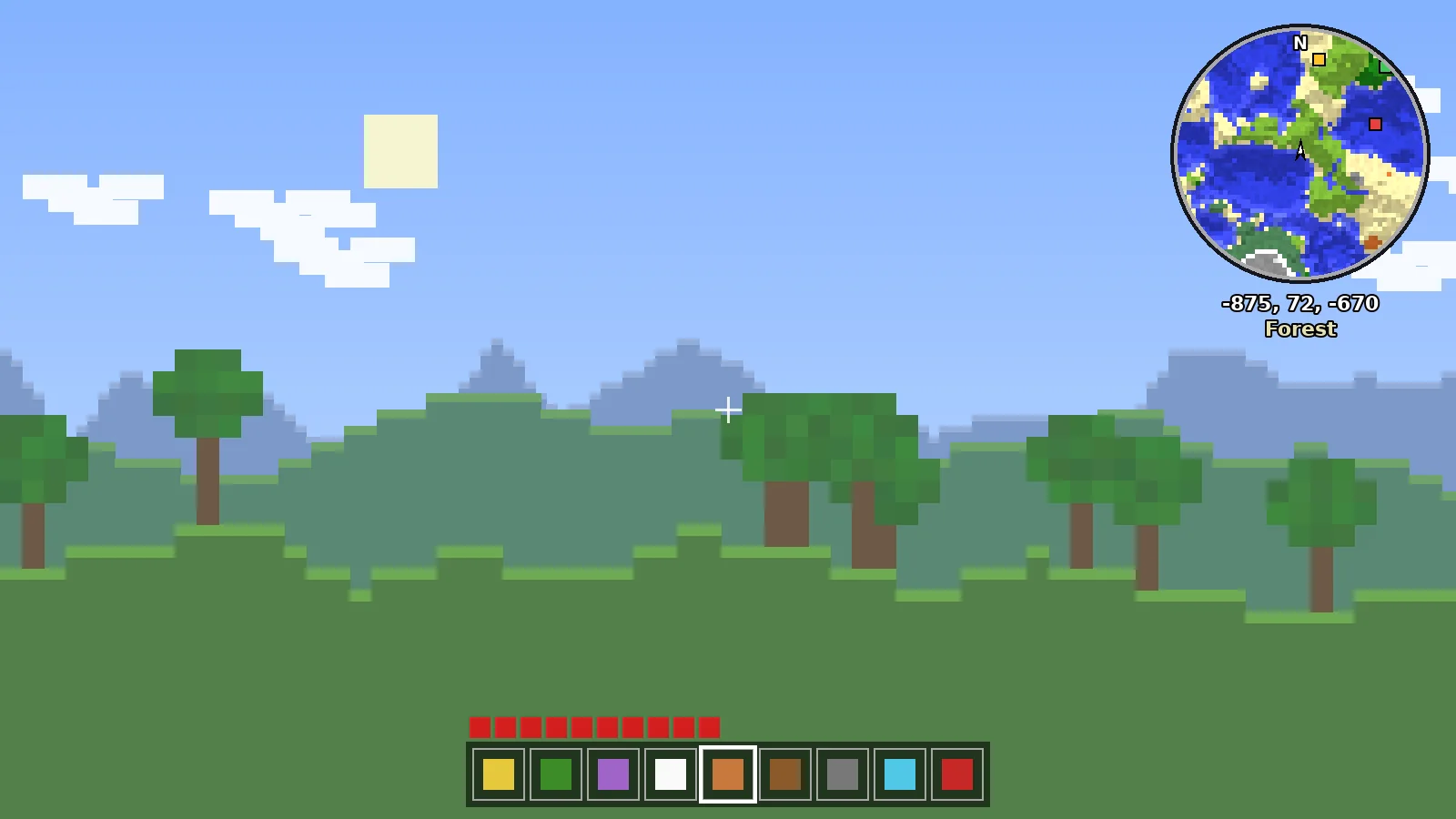
Cave mode replaces the surface view with a slice of the world at your height. Tunnels, caverns, lava and torches become visible on the minimap, so you can see how passages connect before you walk into them.
When It Turns On
By default it activates automatically when there are solid blocks above your head. You can set it to always on, always off, or triggered by a key in the minimap settings.
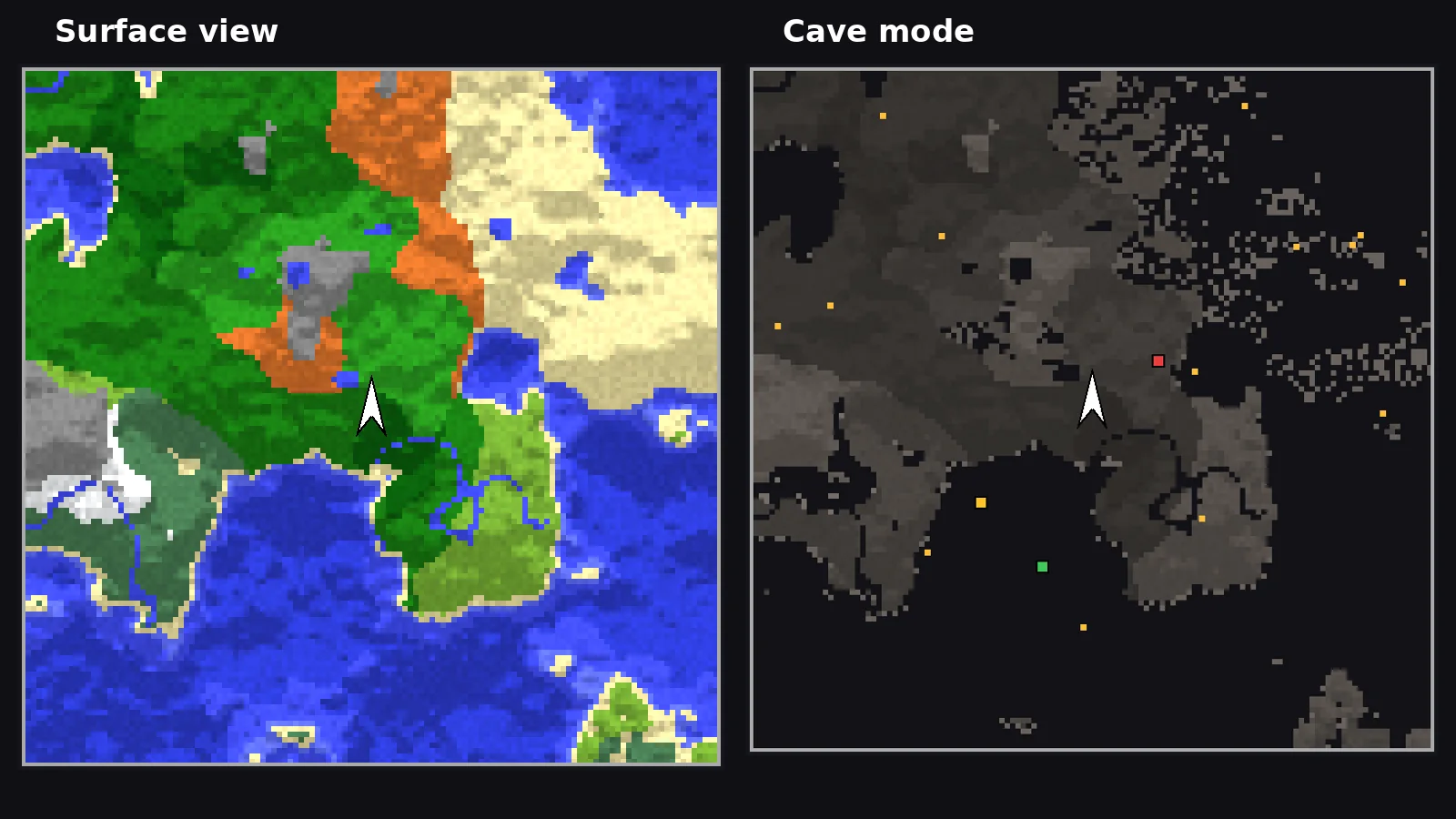
Configuring It Well
- Adjust cave mode depth so the slice includes the floor and ceiling.
- Use a darker cave background for contrast with torch markers.
- Pair it with waypoints at every cave entrance.
Server Rules and Fair Play
Because cave mode reveals hidden tunnels, many competitive servers disable it. The Fair-Play edition of the minimap removes it entirely, and server owners can turn it off remotely. Always follow your server's rules.
Mining Tips With Cave Mode
Mark your way down with waypoints, check for lava pockets on the map before breaking through, and use the entity radar to spot mobs waiting around corners. It turns mining from guesswork into planned routes.
Ready to Explore Smarter?
Download the official build for your loader in under a minute.