Install Minimap Mod on Fabric (1.21.11)
Step-by-step guide to installing Minimap Mod on Fabric for Minecraft 1.21.11, including Fabric API, the mods folder and fixes for common launch errors.
Why Fabric Is a Great Choice
Fabric is the lightest of the three mod loaders and usually receives updates first when a new Minecraft version launches. It also pairs well with performance mods like Sodium and Lithium, which makes it the most popular way to run Minimap Mod on version 1.21.11.
If you already run Forge or NeoForge modpacks, stay with that loader. Mixing loaders in one folder is the fastest way to crash the game.
What You Need Before Starting
- Minecraft: Java Edition 1.21.11, launched at least once.
- The Fabric installer from the official Fabric website.
- The Fabric build of Minimap Mod for 1.21.11 from Modrinth or CurseForge.
- Fabric API, if the download page lists it as a dependency.
Everything is free, and the whole process takes about five minutes.
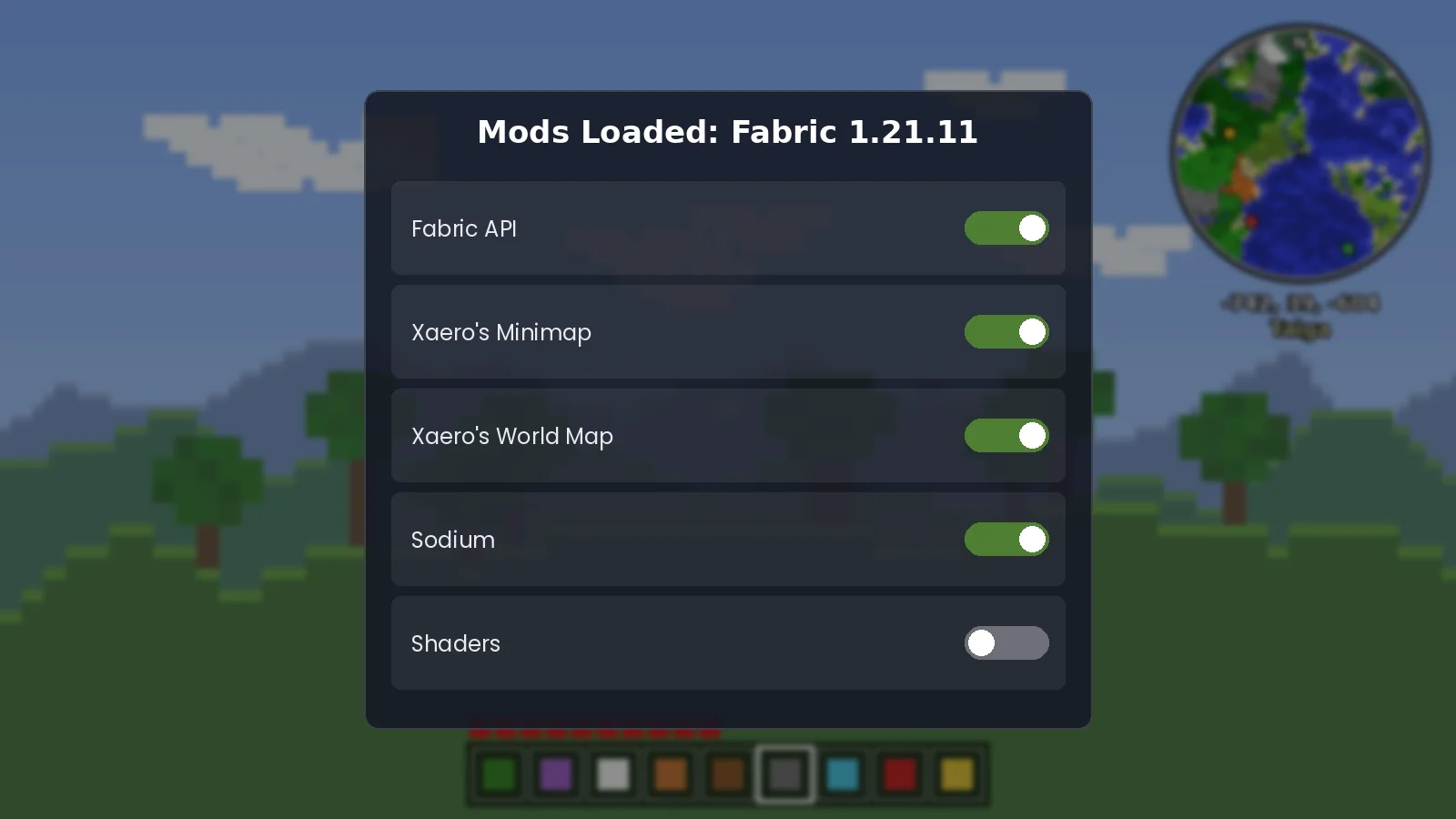
Step-by-Step Installation
- Run the Fabric installer, choose 1.21.11 and click Install. It adds a new profile to the Minecraft Launcher.
- Launch the Fabric profile once, reach the main menu, then quit. This creates the
modsfolder. - Open
.minecraft/mods. On Windows paste%appdata%\.minecraftinto the Run box. - Move the minimap jar, and Fabric API if needed, into the folder. Keep them as .jar files.
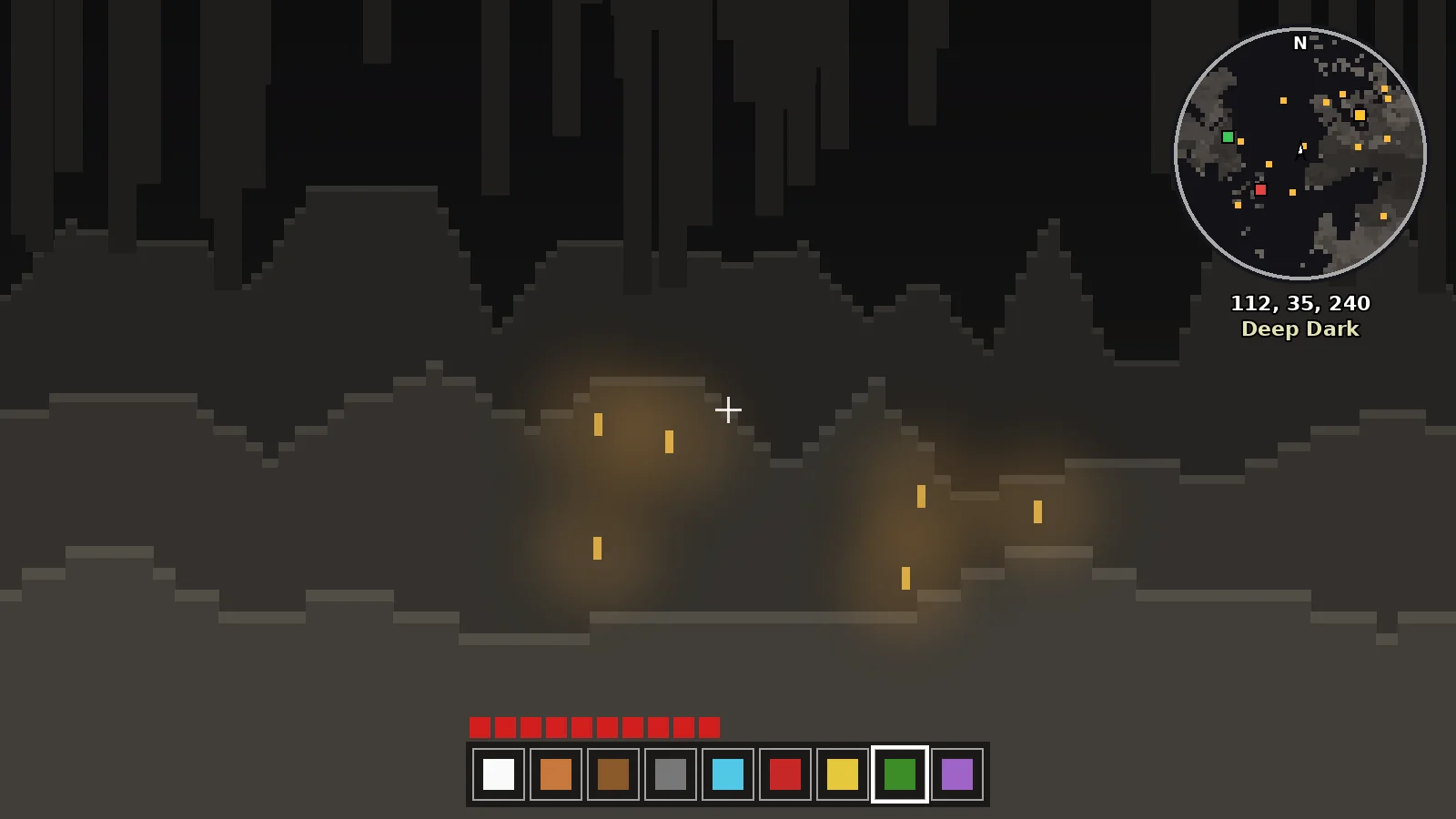
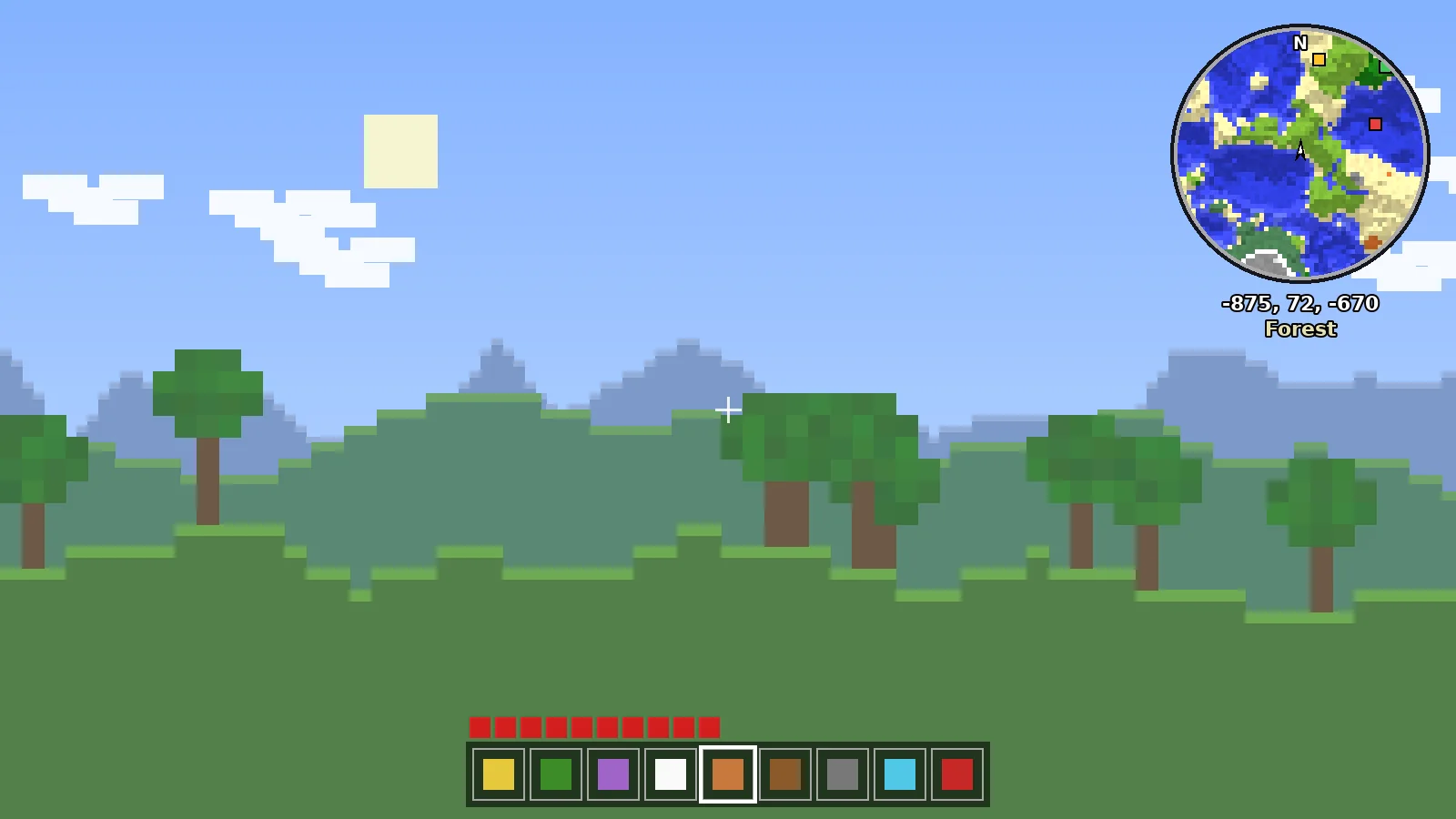
- Start the Fabric profile, load a world and look at the top-right corner.
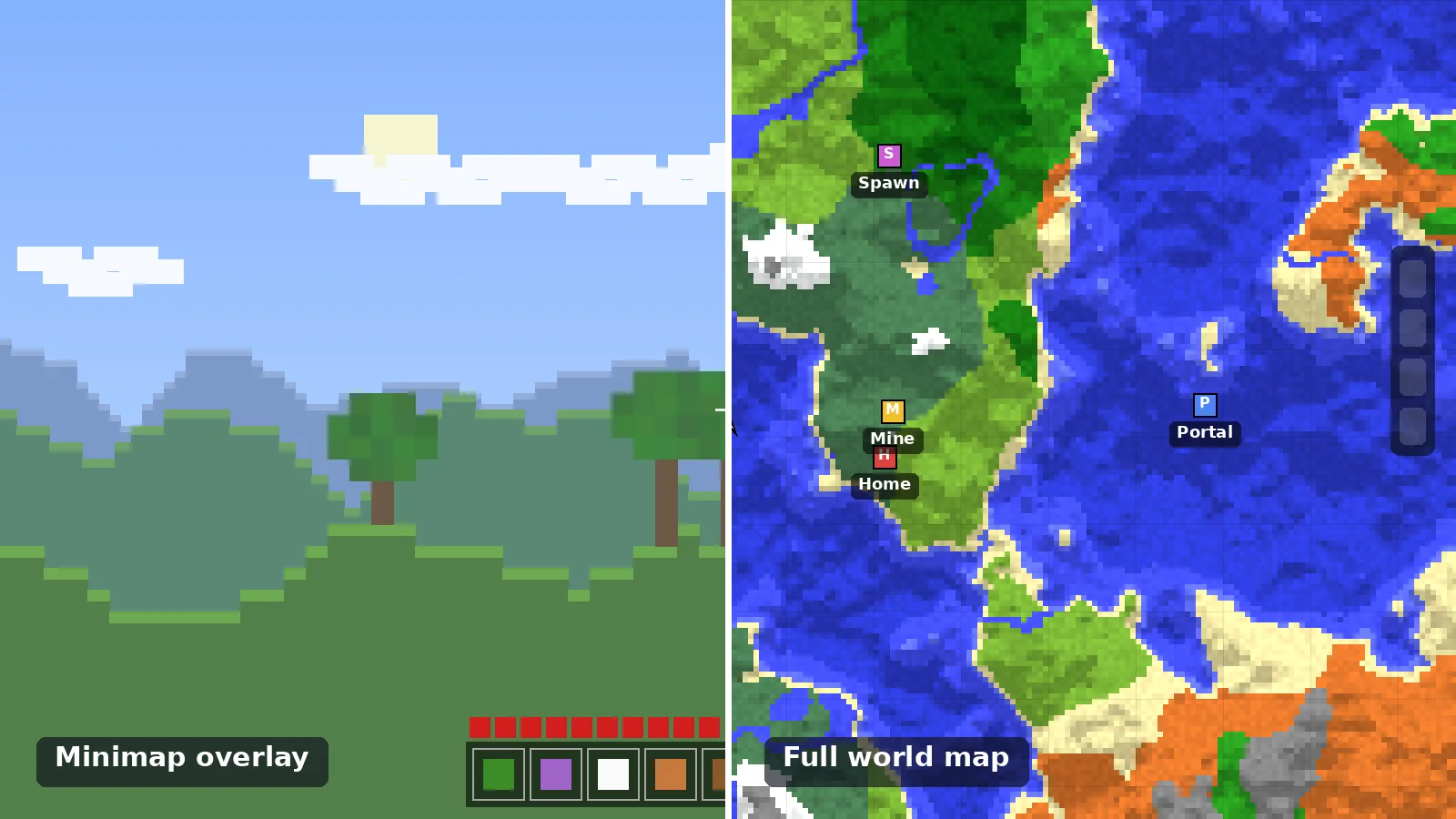
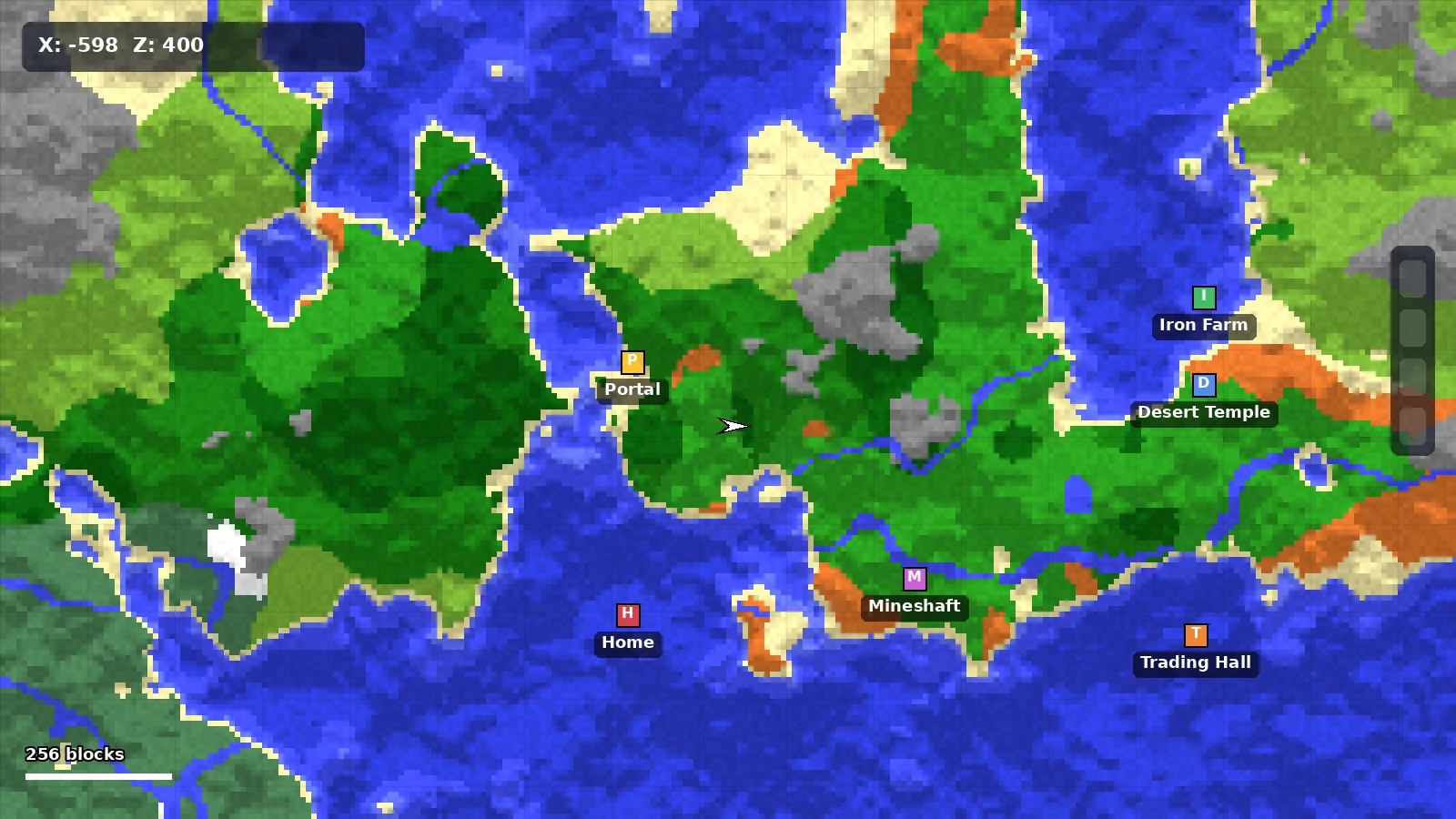
If you want the full-screen map as well, add Xaero's World Map for the same version now. Both mods share waypoints automatically.
Fixing Common Launch Errors
"Incompatible mod set": the jar was built for another Minecraft version. Re-download the file tagged exactly 1.21.11.
Crash mentioning fabric-api: Fabric API is missing or outdated. Download the latest build for 1.21.11.
Nothing appears in game: you launched the vanilla profile. Switch to the Fabric profile in the launcher.
Next Steps After Installing
Set your first waypoint at your base, then open the settings menu and pick a size that does not cover your view. Our best settings guide covers the options worth changing and the ones to leave alone.
Ready to Explore Smarter?
Download the official build for your loader in under a minute.