- Install a loader. Download Fabric, Forge or NeoForge for your Minecraft version and run its installer.
- Run it once. Start the new profile to the main menu and close the game.
- Download the mod. Get the matching jar from the download page. Add Fabric API if required.
- Add to mods. Put the jar files into your mods folder without unzipping.
- Play. Launch the loader profile and load a world.
Minimap Mod User Guide
Everything you need to go from download to a fully mapped world.
Installation in Five Steps
The same process works on Windows, macOS and Linux. Only the folder location changes.
Mods folder locations
| System | Path |
|---|---|
| Windows | %appdata%\.minecraft\mods |
| macOS | ~/Library/Application Support/minecraft/mods |
| Linux | ~/.minecraft/mods |
Android and iOS need unofficial Java launchers. Bedrock cannot load the mod at all.
Your First Session
Set up the map once and it will serve you for the whole world.
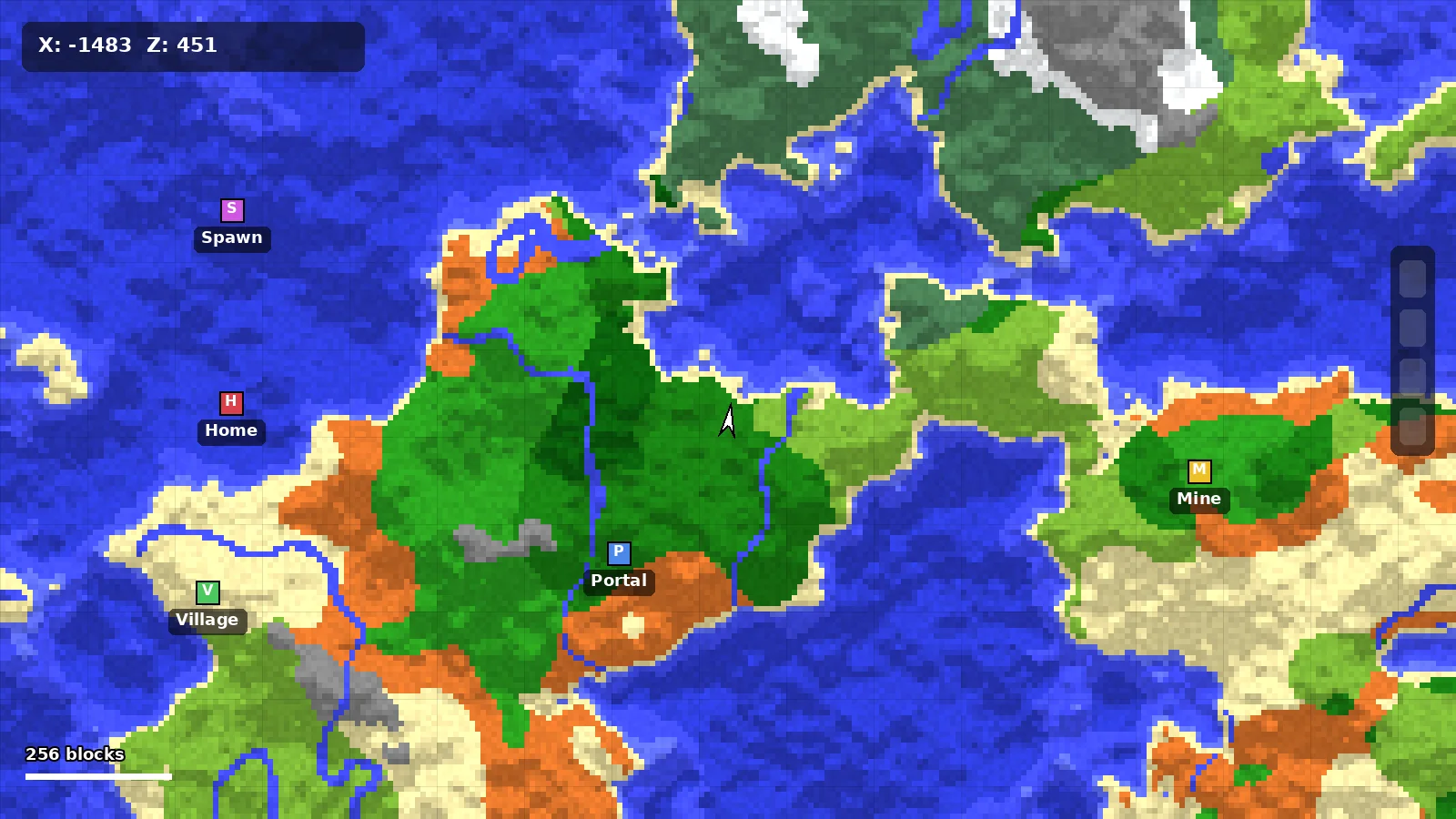
Mark your base
Press B at home, name the waypoint and choose blue. Read the waypoints guide for a full color system.
Tune the view
Open settings with Y. Medium size and 2x zoom suit most screens. See the best settings.
Go underground
Cave mode turns on under a roof of blocks. Learn more in cave mode explained.
Still Stuck? Start Here
Most questions are already answered in one of these places.