Minimap Mod for Minecraft 26.1
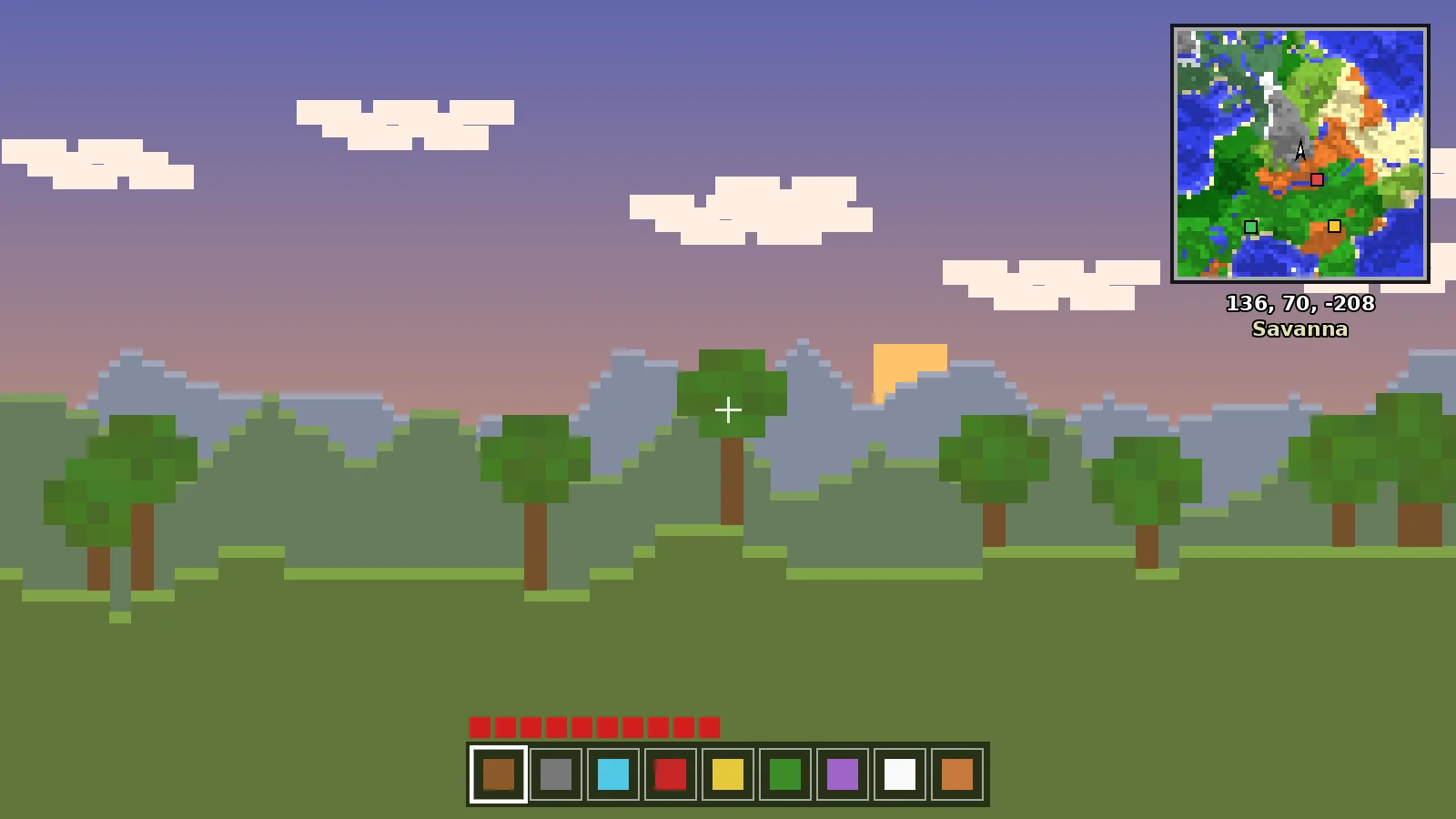
Minimap Mod builds for Minecraft 26.1 and 26.1.2 explained: the new version numbers, which loaders are ready and how to update safely.
Why the Version Number Jumped
In 2026 Mojang moved to year-based version numbers, so the release after the 1.21 line is 26.1. It is the same game with new content and technical changes; only the naming scheme is different.
Which Build to Download
Look for files tagged 26.1 or your exact patch, such as 26.1.2, on the Modrinth version list. Filter by loader first. A build for 1.21.11 will not load on 26.1, even though the numbers look far apart only by name.
Updating Safely
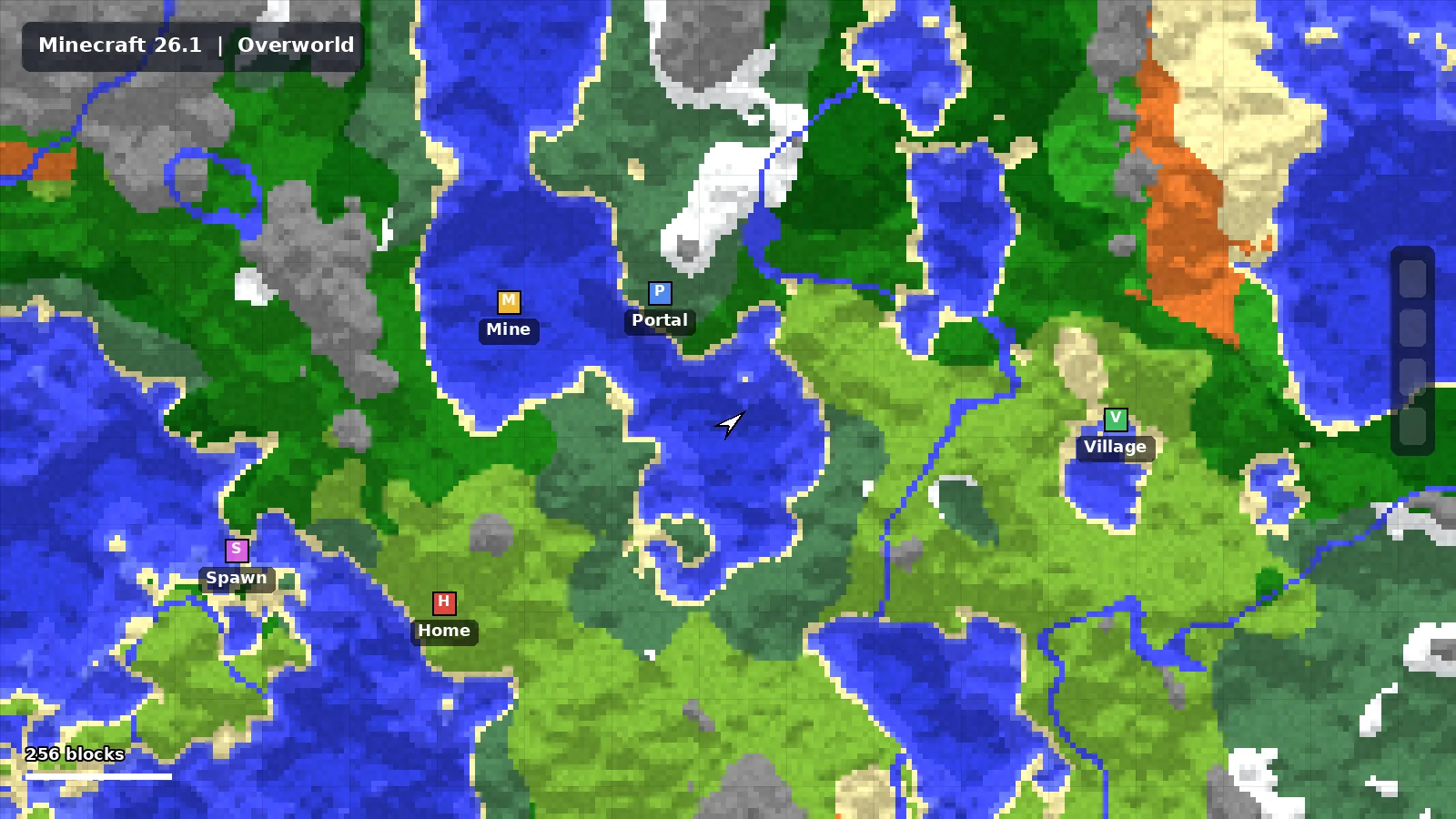
- Back up your world saves,
XaeroWaypointsandXaeroWorldMapfolders. - Update your loader to its 26.1 version.
- Replace every mod jar with its 26.1 build, not just the minimap.
- Launch and open a copy of your world first.
Staying on 1.21.11
Many modpacks stay on 1.21.11 for months while other mods catch up. That is fine. The minimap keeps receiving fixes on older lines, so there is no rush to update.
Ready to Explore Smarter?
Download the official build for your loader in under a minute.