Nether Navigation With Minimap Mod
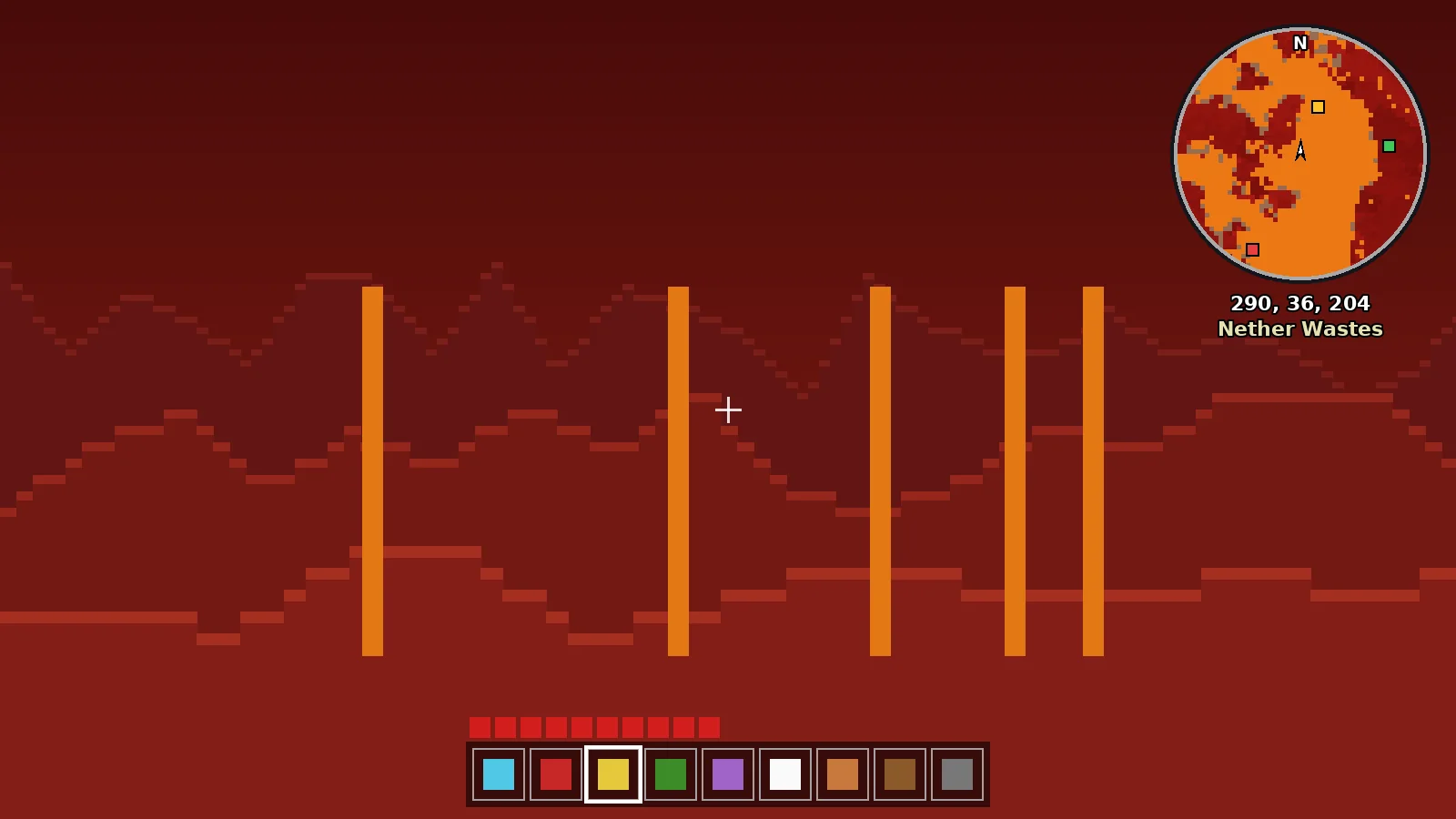
Use Minimap Mod to navigate the Nether: 1:8 coordinate conversion, portal linking, fortress and bastion waypoints and safe highway building.
Why the Nether Is Confusing
The Nether ceiling hides the sky, the terrain repeats, and one block in the Nether equals eight in the Overworld. Without a map, players often lose portals and build them in the wrong place.
Use the 1:8 Conversion
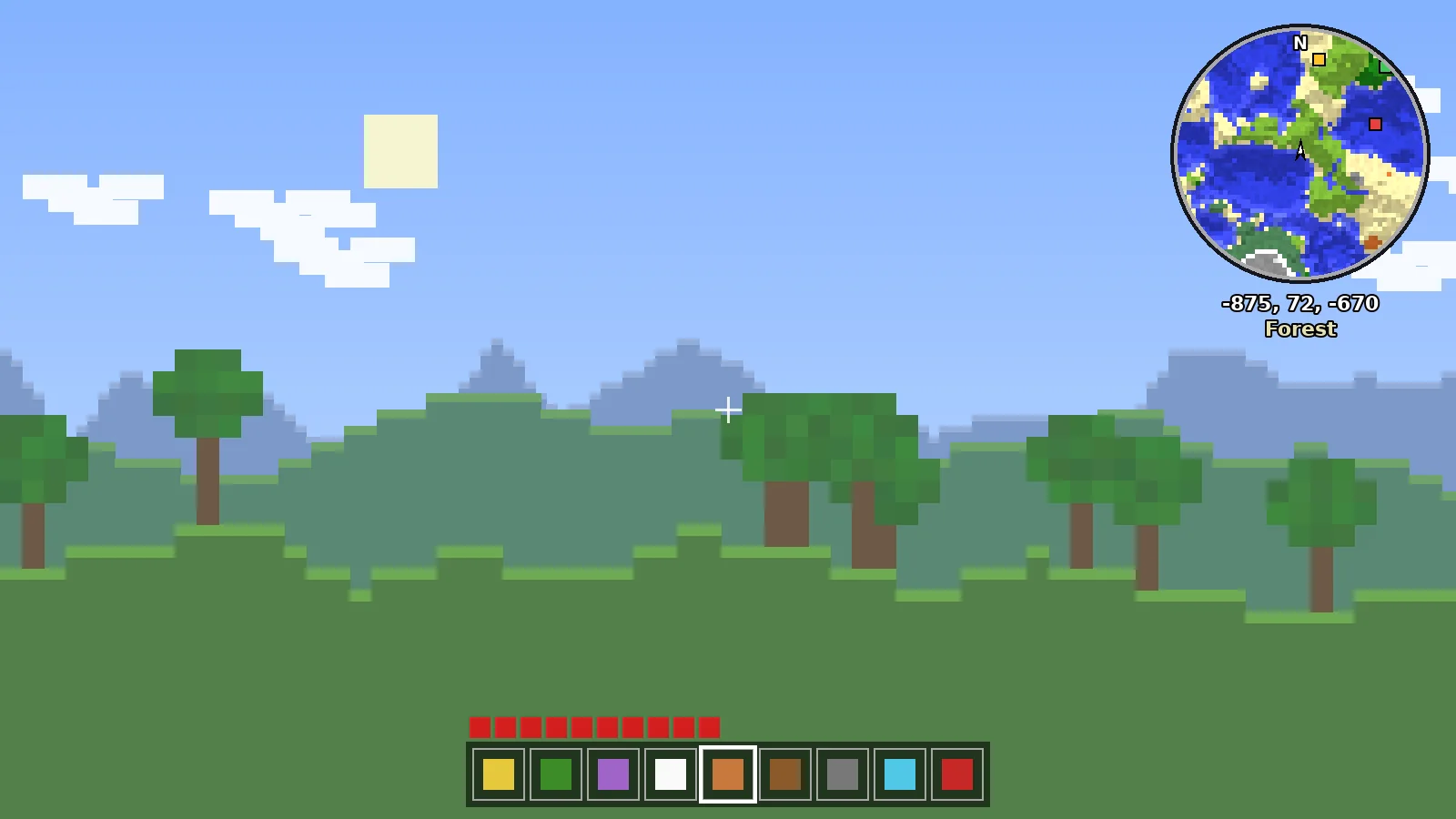
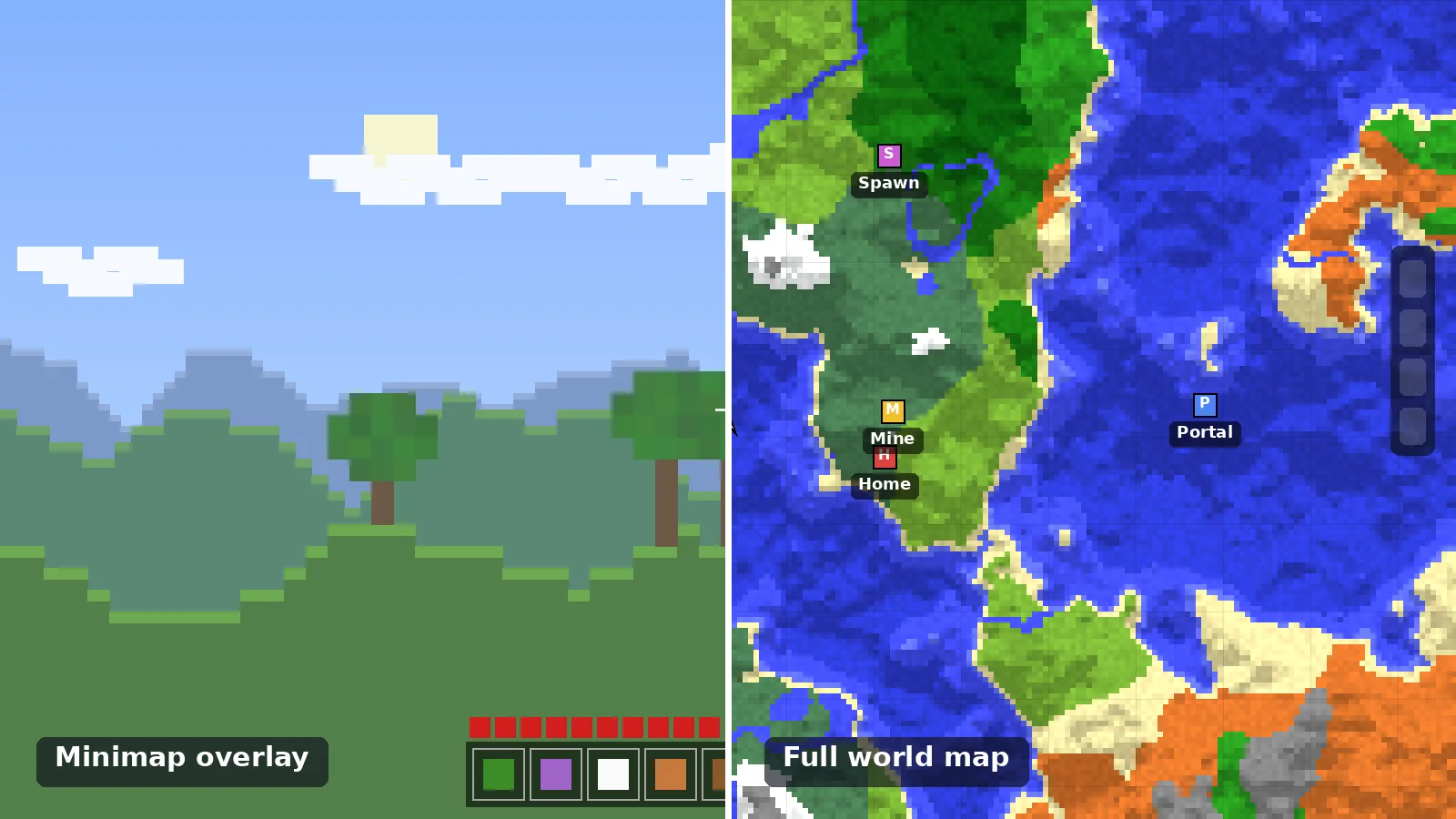
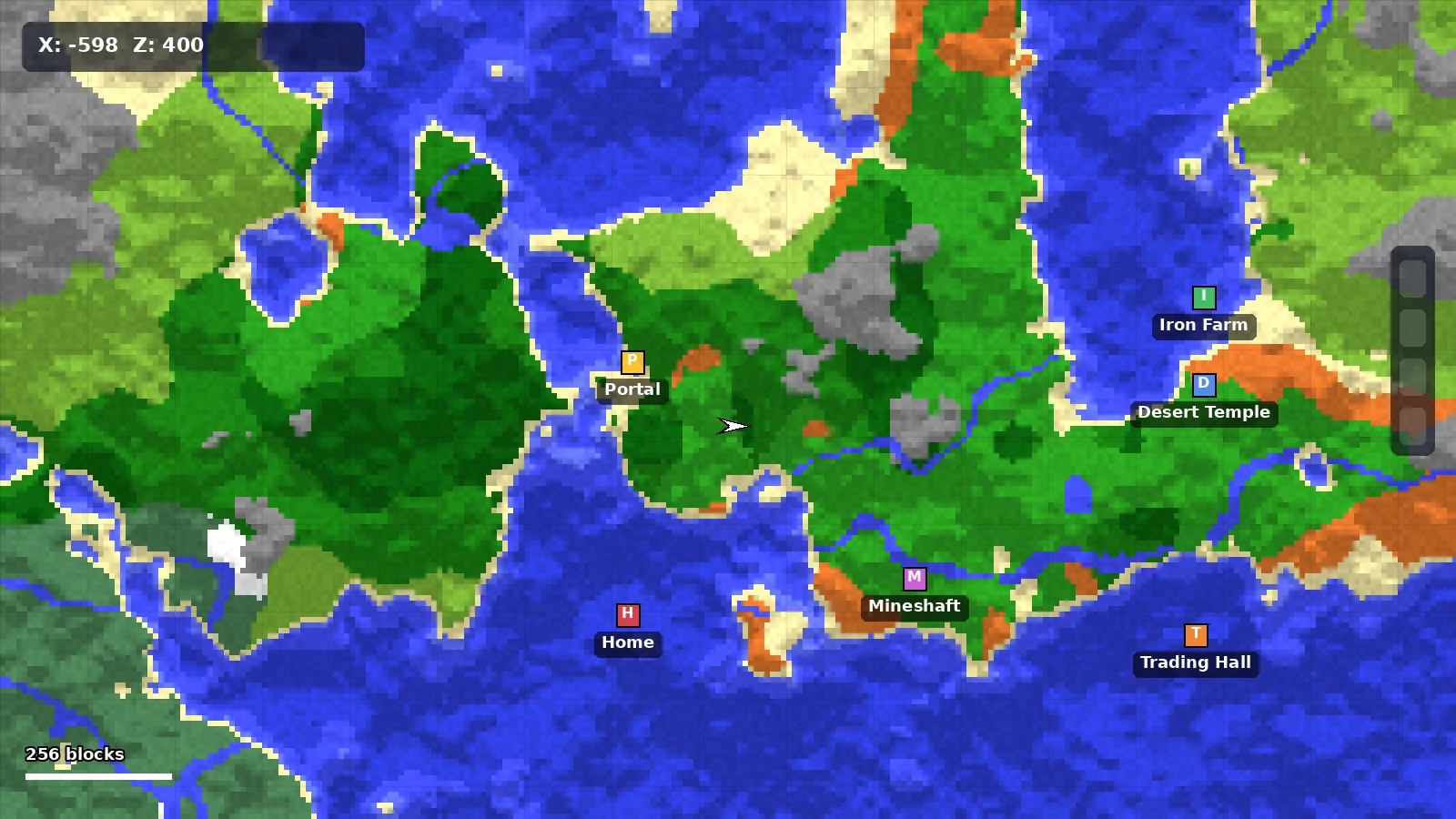
Minimap Mod can show Overworld waypoints at their Nether coordinates. Enable it in the waypoint settings, then stand in the Nether and walk to your base marker. Build a portal there and it will link to the right place.
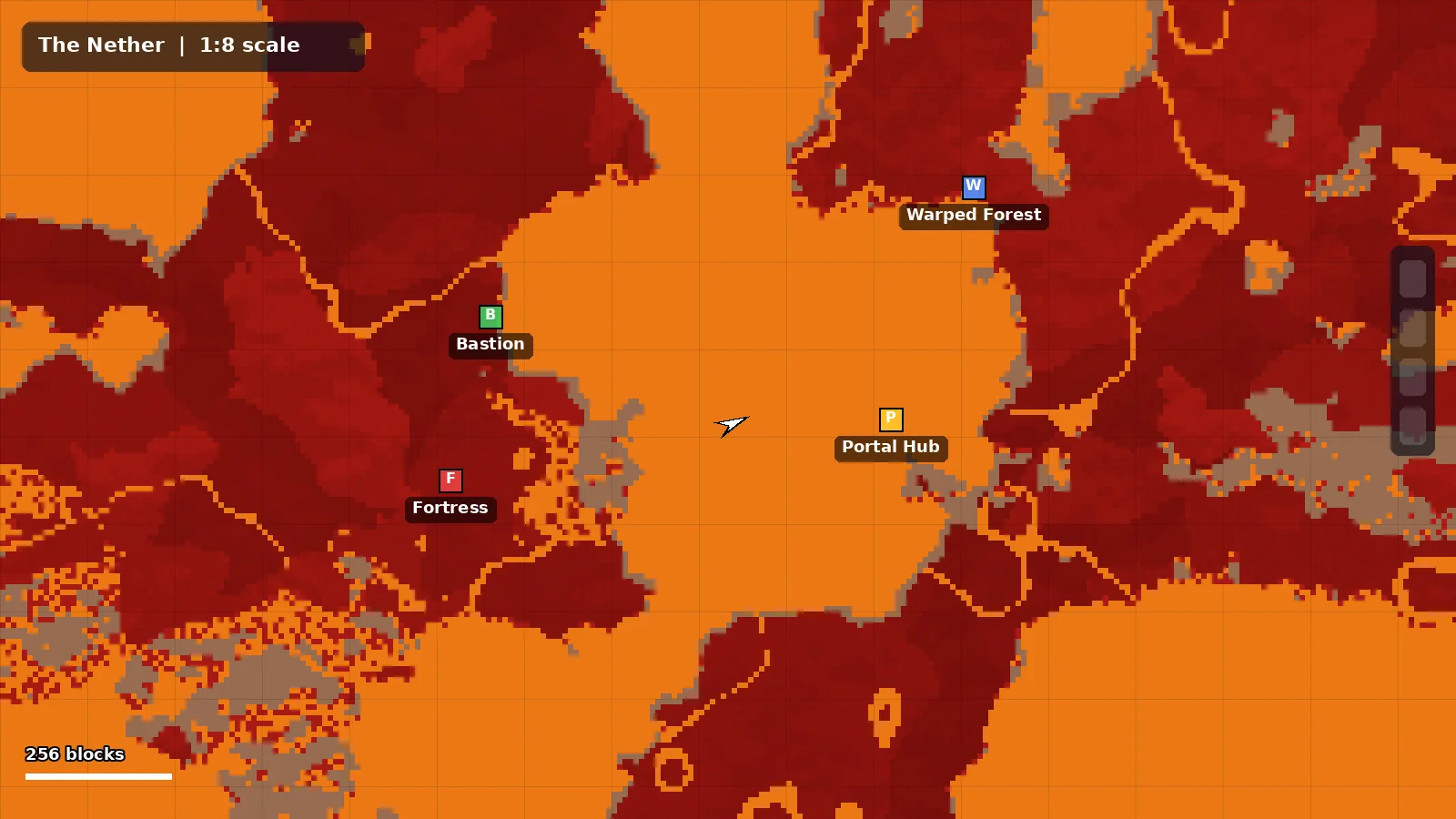
Mark Key Structures
- Fortresses for blaze rods and wither skulls.
- Bastions for gold and loot.
- Warped forests as safe zones.
- Your portal hub, in gold.
Build Safe Highways
Pick a Y level, mark the start and end with waypoints, then tunnel in a straight line using the minimap's north lock to stay on course. Cave mode helps you spot lava lakes beside the tunnel.
Stay Safe
Keep the entity radar on hostile mobs, carry fire resistance, and add a temporary waypoint at every portal you pass.
Ready to Explore Smarter?
Download the official build for your loader in under a minute.